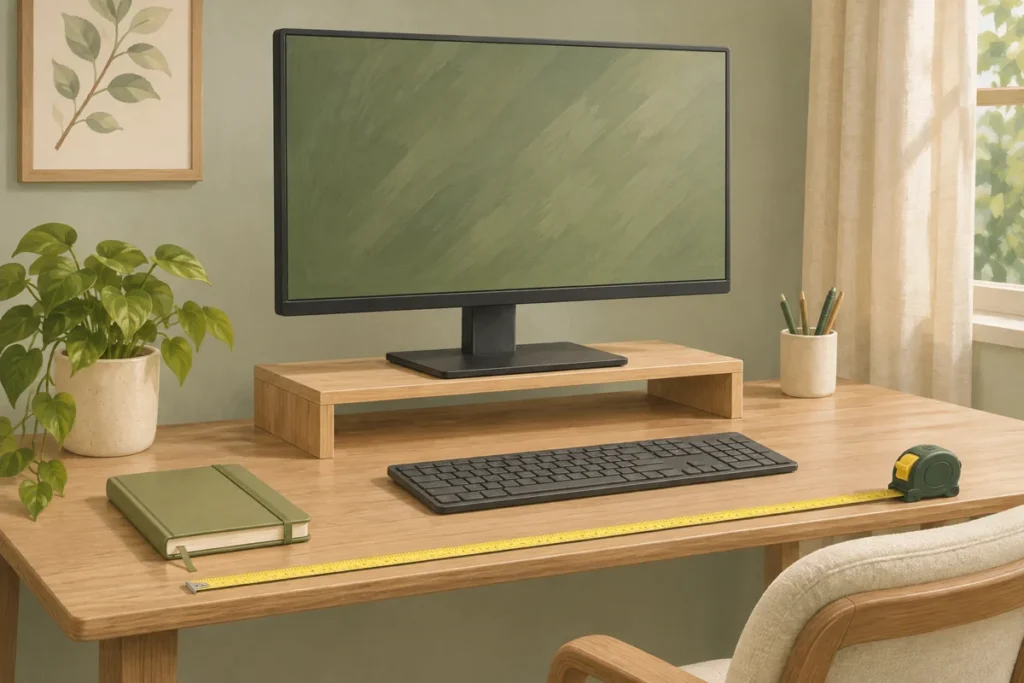
A monitor stand should help achieve an appropriate screen position while fitting the base and documented load. Measure your working setup before adding a fixed-height riser.
Measure from your working position
Adjust the chair and working setup as appropriate, then look at the screen during ordinary tasks. A stand chosen for its storage gap may raise the screen more than you need. Record the change needed, not simply the height of the empty space under a product.
OSHA's workstation checklist recommends an adjustable monitor position with the screen top at or below eye level and placement that avoids unnecessary head or neck bending. Individual needs, including some corrective lenses, may require different adjustments. Use the checklist as an evaluation aid, not a promise that a stand will resolve discomfort.
Check the screen and base separately
Measure the monitor's full base footprint and confirm that it can be supported as the manufacturer requires. Compare the complete monitor weight with the stand's documented capacity. A wide screen and a broad support base are different measurements.
For multi-monitor arrangements, check the complete configuration rather than simply adding the weight of two screens. Follow the support product's instructions for allowed layouts, stability and assembly. Do not infer suitability from a photograph of similar equipment.
Preserve desk working space
Include keyboard, mouse, documents and your hands in the footprint trial. A stand with side drawers can leave less usable room than a plain platform. Check that cords have suitable routing and the device's ventilation is not obstructed.
Use cardboard to model the stand footprint before buying. Check the keyboard's actual parking space if storing it underneath is important. A published platform width may not describe the clear opening between its feet.
Choose adjustment over a forced fit
Compare the existing monitor adjustment with a stand's added height. An adjustable monitor may already achieve the position you need. A fixed-height stand is useful only if the resulting screen position suits the user and desk.
Read assembly and surface requirements, then trial the arrangement during actual work. If you need to lean or twist to read, revise it. Seek suitable professional advice for persistent discomfort instead of treating a storage accessory as a medical solution. Keep unrelated items beneath the stand only when they can be retrieved without disrupting the working setup.
Write a desk task brief before selecting a stand
Describe the screen and desk tasks the setup needs to support, using the actual user and equipment. Identify which display is used, what other objects share the surface and where an ordinary task begins. A stand’s outside dimensions are only one part of that arrangement. The real comparison includes the screen’s current adjustment, the intended viewing position and the workspace used by the input devices or documents. Keep appropriate workstation guidance and the actual equipment instructions available for those decisions.
Separate a storage wish from a display-position question. A product advertised with room beneath it may be attractive because the desk is crowded, but increasing storage does not automatically produce an appropriate screen arrangement. Likewise, a stand can address one position issue while removing needed working space elsewhere. Name the actual problem before shopping so the candidate is evaluated against a concrete task rather than the idea that any raised monitor will make the desk more organised or suitable for the user.
Compare the actual support and screen arrangement
Record the display and its support information separately. A screen’s broad diagonal size does not describe every base, mounting requirement or occupied position. Use the exact device and stand documentation to establish relevant compatibility. Keep an unanswered support question open rather than inferring a capacity or fit from a similar screen in an advertisement. A planning sketch can show the proposed location, but it does not certify the equipment combination or replace the product’s installation and use requirements.
Include the relevant ordinary adjustment and the actual user’s work position in the review. Avoid prescribing one fixed riser height for everyone. Appropriate workstation information can help identify questions about the whole arrangement, while the equipment documents address the specific product relationship. The aim is to choose an appropriate support that serves the task without forcing another essential component into an awkward location. Record the particular conflict, such as occupied desk depth or an obstructed input-device area, so it can be resolved directly.
Worked example: a stand adds storage but reduces working space
Imagine a desk with a proposed stand that provides a compartment beneath the display. The product fits the desk outline, but its occupied depth leaves insufficient appropriate space for the user’s actual input-device arrangement. In this hypothetical example, the household compares the complete task area before purchasing. It considers another appropriate storage location for the objects that motivated the stand, while reviewing the screen arrangement using actual equipment information and relevant workstation guidance. The added compartment is not treated as automatic proof of improvement.
The user then describes the remaining problem accurately. It may be a display-position question, unclear desk storage or a conflict between two occupied groups. Those issues can require different changes. The example does not claim a health outcome or certify a particular ergonomic setup. Its useful lesson is that a support accessory needs to be evaluated in the complete workstation, including the tasks and other equipment, rather than judged only by the neat appearance of items packed into the space below the monitor.
Keep the under-stand group defined
If an appropriate stand includes usable storage, name the objects assigned there and check their actual retrieval route. A vague compartment called desk things can collect items that belong elsewhere and obscure needed equipment information. Choose a recognised group that supports a real task, following the product’s requirements. The group should remain findable when the display is in its normal occupied position. Do not count the compartment as usable merely because it looks empty before the stand and screen are arranged together.
Consider the return of the complete assigned group, including items temporarily in use. A storage space that works only when some contents are absent has not been planned for its ordinary cycle. If a repeated obstruction appears, identify whether the cause is unclear identity, inadequate access or a product-related requirement. Resolve that issue before adding more desk organisers. A useful compartment has a clear appropriate role; it should not turn the display support into another mixed holding area that makes both storage and screen adjustment harder to understand.
Use an evidence-based purchase comparison
Compare candidate products using their exact documented dimensions, intended use, support requirements and adjustment information. Connect each relevant detail to the actual task brief and equipment. Keep the evidence type clear: reviewing a listing is not a personal test of the product. Do not infer a medical or comfort benefit from the category name. If a workstation question is unresolved, use appropriate guidance or assessment instead of treating a storage accessory’s marketing claim as an answer for every user.
Keep the final comparison concise enough to review. Record which specific problem the candidate solves, what required conditions remain and how the ordinary work area stays usable. Include an appropriate alternative if the original storage issue can be addressed elsewhere. Update the desk’s recognised group locations when equipment changes. The useful result is a coherent arrangement for the real user and tasks, supported by accurate product information, rather than a collection of accessories selected independently because each promises to create more space in a photograph.
What should be measured before choosing a monitor stand?
Record the actual support relationship, occupied dimensions, usable desk area and the relevant display adjustment in the intended work setup. Include other equipment and the task space it needs. Use the exact product information for compatibility and loading questions and relevant workstation guidance for the overall arrangement. A generic screen-size label or fixed riser height is not a complete brief. Keep unresolved issues visible and compare a stand against the specific problem it should solve, so adding storage beneath the display does not silently remove appropriate space from another part of the user’s normal task.
Use a labelled footprint before comparing stands
As a hypothetical fit example, a stand measuring 45 by 25 centimetres would occupy more than that rectangle if its feet, clips or equipment project beyond it. Draw the documented outside footprint on paper without attaching anything to the desk, then mark the keyboard’s normal working area and the route used to reach rear connections. Check your actual screen position separately; passing the footprint comparison does not establish a suitable viewing arrangement or load capacity. If reaching a connector would require lifting the loaded stand, revise the layout before purchase. Use the exact equipment instructions for support, positioning and permitted adjustments.
Common questions
Is a taller monitor stand better?
No. Height is useful only when it produces an appropriate screen position.
Does screen size establish stand capacity?
No. Check the base support requirements, weight and exact product instructions.
Sources and further reading
- OSHA: Workstation evaluation checklist
Explore our Desk & Small Spaces guides, the buying checklist and all home organization guides.